
Download Wolfenflash 3D – Classic First‑Person Shooter, Free Online, Retro Gaming
Overview & Core Experience
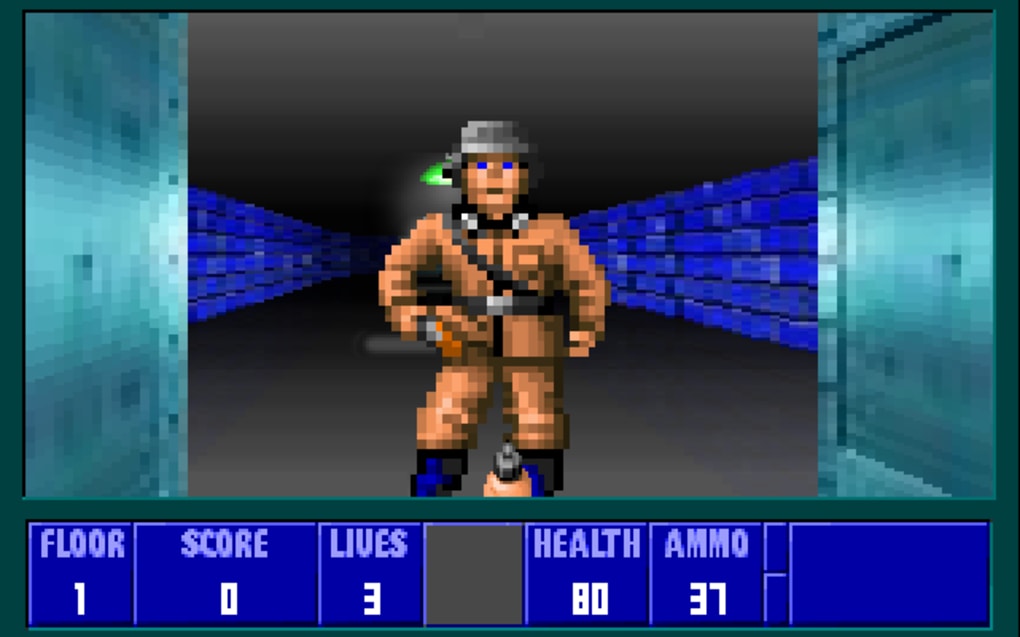
Wolfenflash 3D brings the iconic 1992 shooter Wolfenstein 3D to the modern web browser, letting you relive the adrenaline‑pumping mission to escape Castle Wolfenstein without installing a single file. Launched as a free‑to‑play tribute for the 20th anniversary of the original title, the game keeps the nostalgic pixelated corridors, frantic Nazi soldiers, and relentless guard dogs that defined early first‑person shooters. Although the graphics look prehistoric by today’s standards, the atmospheric level design, tight maze‑like maps, and simple yet satisfying gunplay retain the original’s addictive charm.
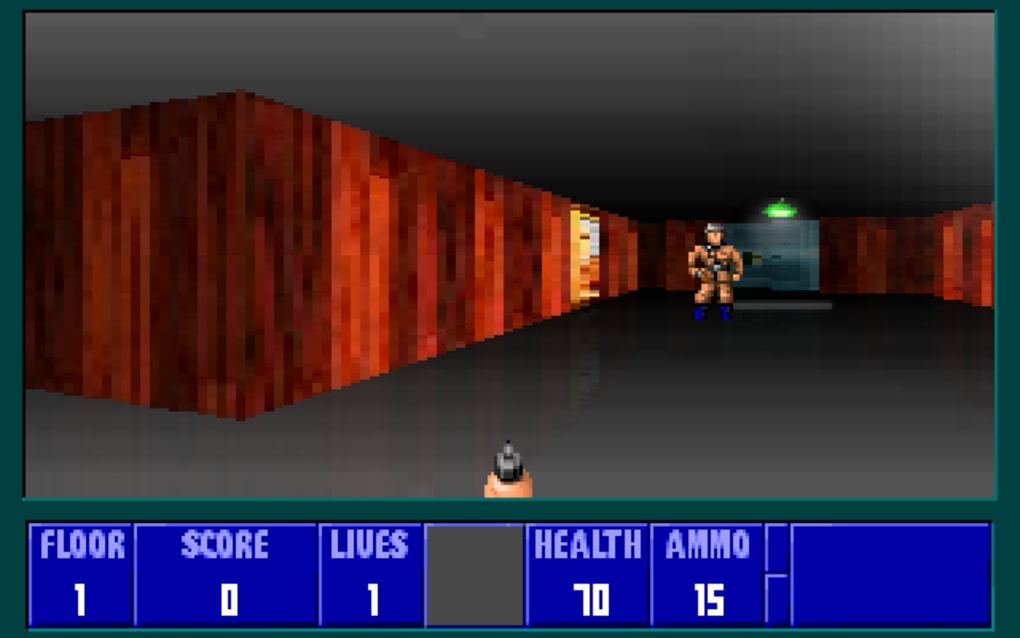
Players start in a dimly lit hallway, armed with a basic rifle, and must locate keycards, health packs, and secret passages while fending off waves of enemies. The game’s soundtrack—a mix of eerie organ tones and 8‑bit sound effects—enhances the tension, making each encounter feel like a race against time. Because it runs entirely in HTML5/JavaScript, Wolfenflash 3D works on any device with a modern browser, offering instant access for both seasoned retro fans and newcomers curious about gaming history.
Key Features
- Free, no‑download browser version – start playing instantly on Windows, macOS, Linux, Android, or iOS.
- Authentic recreation of the original Wolfenstein 3D levels, enemies, and weapons.
- Responsive controls optimized for keyboard, mouse, and touch screens.
- Classic soundtrack and sound effects that preserve the 1990s atmosphere.
- Score tracking and leaderboards to compare your performance with other players.
- Regular updates that fix bugs, improve compatibility, and add minor quality‑of‑life tweaks.
- Supports full‑screen mode for an immersive retro experience.
Installation & Usage Guide
Getting started with Wolfenflash 3D is deliberately frictionless. Because the game runs in the browser, there is no traditional installation process. Follow these steps to ensure a smooth experience:
- Choose a compatible browser. Modern browsers such as Google Chrome, Mozilla Firefox, Microsoft Edge, or Safari fully support the HTML5 canvas and WebGL features required by the game.
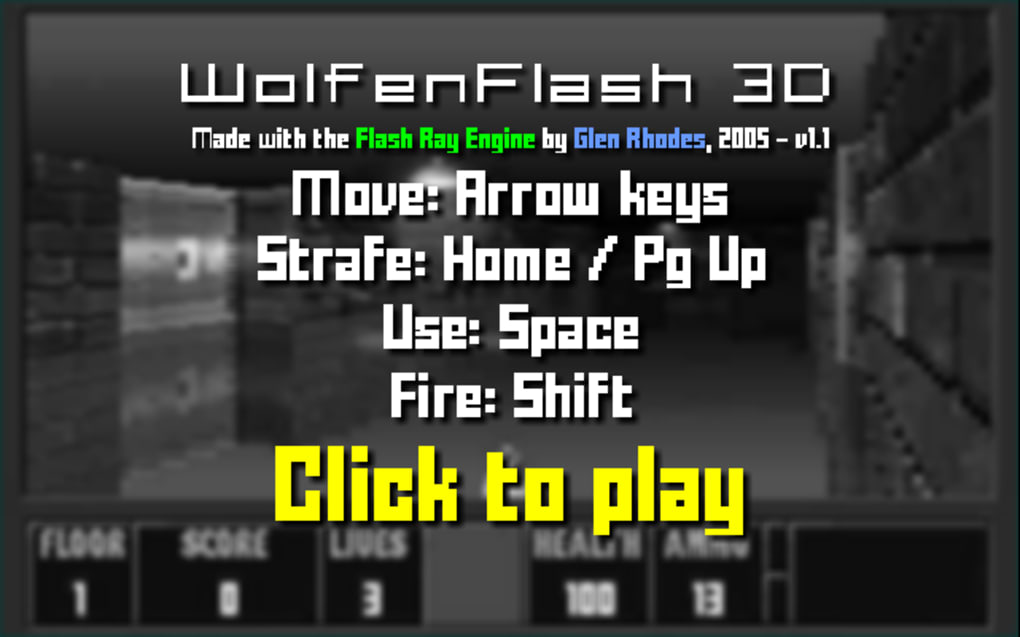
- Navigate to the official site. Enter the URL provided by the developer (e.g., wolfenflash.com) and click the “Play Now” button.
- Allow the game to load. The first load may take 5–10 seconds while assets are cached. A progress bar appears at the bottom of the screen.
- Configure controls. Press Esc to open the settings menu. Here you can remap movement keys, adjust mouse sensitivity, and enable touch‑screen controls if you’re on a mobile device.
- Start the first level. Click “New Game” and choose a difficulty (Easy, Normal, Hard). The game will place you in the initial corridor of Castle Wolfenstein.
- Save progress (optional). While the browser version does not support permanent save files, you can use the “High Score” feature to record your best runs. Some browsers also allow you to bookmark the current session URL.
Tips for optimal gameplay include keeping the browser window in full‑screen mode (press F11), using headphones for the atmospheric soundtrack, and regularly clearing the cache if you encounter performance hiccups. Because the game is lightweight (under 10 MB of compressed assets), it runs well even on older hardware, making it an excellent choice for students, commuters, or anyone with a limited data plan.
Compatibility, System Requirements & Performance
Wolfenflash 3D is designed to be cross‑platform. It works on any operating system that can run a recent web browser, including Windows 10/11, macOS 10.15+ (Catalina), Linux distributions with Chromium‑based browsers, Android 8.0+ and iOS 13+. The game automatically detects the device’s capabilities and scales the canvas resolution accordingly, ensuring smooth frame rates on both desktop PCs and mobile phones.
Typical system requirements are modest:
- CPU: Dual‑core 2 GHz or faster.
- RAM: Minimum 2 GB (4 GB recommended for multitasking).
- Graphics: Integrated GPU with OpenGL 2.0/WebGL 1.0 support.
- Internet: Broadband connection for the initial asset download (≈5 MB).
Because the game relies on JavaScript execution rather than native code, performance is largely determined by the browser’s JavaScript engine. Users on older browsers may notice occasional frame drops, especially during intense combat scenes with multiple enemies on screen. Enabling “Low‑Quality Graphics” in the settings reduces texture detail and can restore a steady 60 fps on legacy hardware.
Pros & Cons – Quick Verdict
- Pros
- Completely free and instantly accessible – no download or registration required.
- Faithful recreation of a gaming milestone, preserving original level design and enemy behavior.
- Runs on virtually any device with a modern browser, including smartphones and tablets.
- Low system requirements make it ideal for older computers and low‑bandwidth environments.
- Leaderboards add replay value and a competitive edge.
- Cons
- Graphics are deliberately retro; players seeking modern visual fidelity may find them dated.
- No built‑in save system; progress is lost after closing the browser unless manually bookmarked.
- Sound effects can be muted in some mobile browsers due to autoplay restrictions.
- Limited customization – no new weapons, maps, or mod support beyond the original content.
- Occasional input lag on very old browsers or devices with limited JavaScript performance.
Frequently Asked Questions (FAQ)
-
Is Wolfenflash 3D truly free or are there hidden costs?
Yes, the game is completely free. There are no subscription fees, in‑app purchases, or paywalls. The only cost may be your internet data for the initial download of assets.
-
Can I play Wolfenflash 3D on a mobile phone?
Absolutely. The game runs on Android and iOS browsers that support HTML5 and WebGL. Touch controls are automatically enabled, though a physical keyboard or gamepad can improve accuracy.
-
Do I need to create an account to save my high scores?
No account is required. High scores are stored anonymously on the server and displayed on the public leaderboard. If you want to keep a personal record, you can bookmark the “Share Score” link after each run.
-
Why does the game sometimes lag on older computers?
Lag is usually caused by an outdated browser or limited JavaScript processing power. Updating to the latest version of Chrome, Firefox, or Edge, and enabling the “Low‑Quality Graphics” option usually resolves performance issues.
-
Is there a way to play custom maps or mods?
The browser version does not support user‑generated mods or custom maps. However, the developer occasionally adds new official levels as part of seasonal updates.
Conclusion & Call to Action
Wolfenflash 3D proves that classic gameplay can thrive in a modern, zero‑install environment. By offering a free, browser‑based portal to one of the most influential shooters in history, it invites both nostalgia seekers and curious newcomers to experience the raw excitement of early FPS design. While the graphics remain firmly rooted in the 1990s and the lack of a save system may frustrate marathon players, the game’s accessibility, low hardware demands, and faithful recreation of the original levels outweigh these minor drawbacks. If you’re looking for a quick, addictive session that doesn’t require a hefty download, Wolfenflash 3D is a perfect choice.
Ready to step into Castle Wolfenstein? Click here to launch Wolfenflash 3D now and start blasting through the corridors for free. Remember to share your high score with friends and challenge them to beat your time—because the best part of retro gaming is proving you still have the reflexes of a 90s arcade champion.



.png)



